How to Set a First-Month Budget for Google Ads
Your first-month Google Ads budget comes from two numbers: what a click costs in your niche and how many clicks you need each day to learn. Here's the math, the leaks to plug and a week-by-week plan.

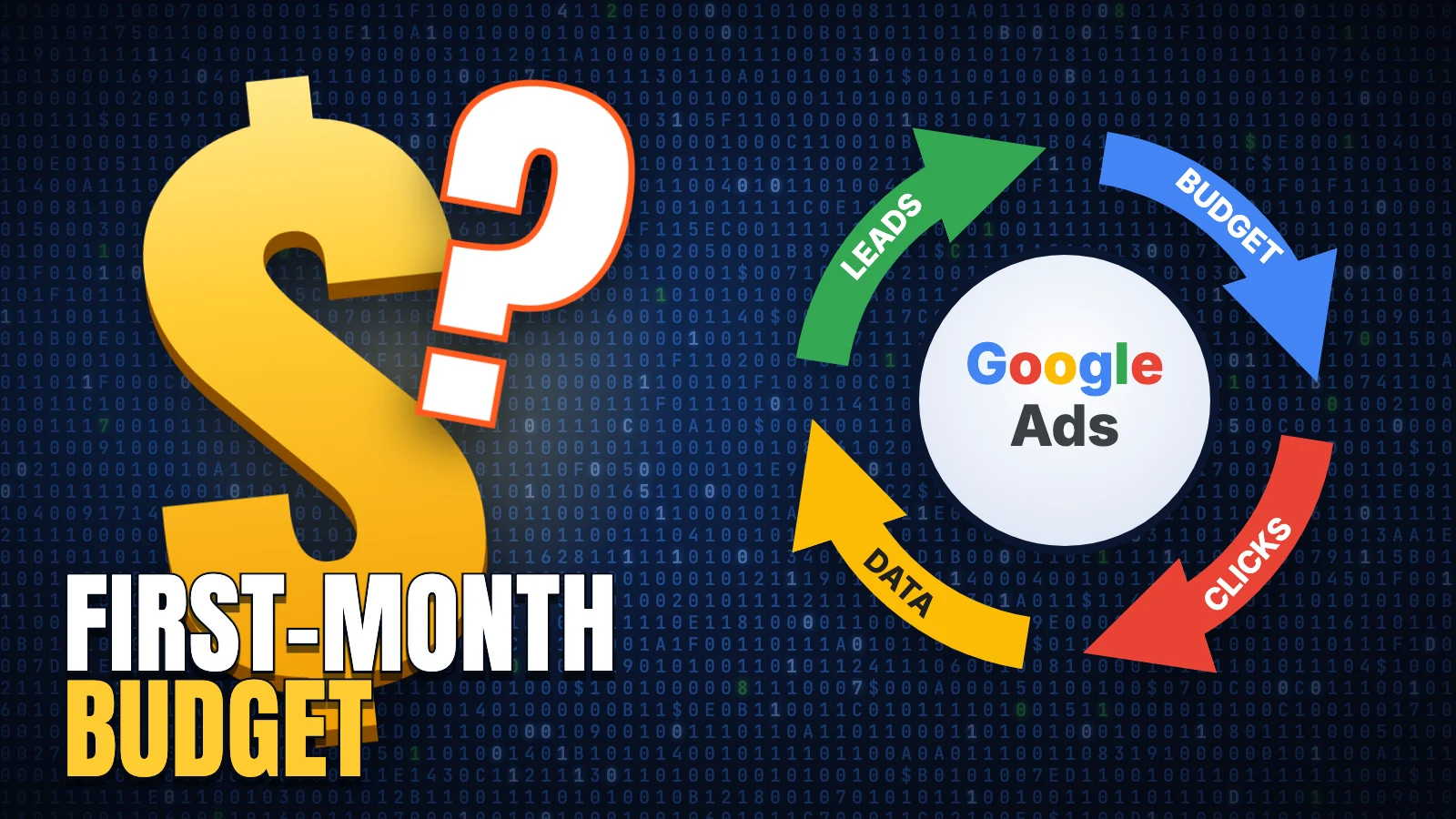 Budget buys clicks, clicks become data, data becomes leads. The first month is about getting that loop turning.
Your first-month Google Ads budget comes from two numbers you can find before you spend a dollar: what a click costs in your niche and how many clicks you need each day to learn anything. Multiply the cost per click by ten to get a daily budget, then multiply by 30.4 to get the month. For most local and service businesses, that math lands between $1,000 and $3,000.
Most first campaigns fail on a round number. Someone picks $500 because it feels safe, spreads it across six services, and buys two clicks a day per campaign. A month later the money is gone and the account has learned nothing. Build the budget in the right order instead: lead value first, daily volume second, leak control before you spend more.
Start with what a lead is worth, then price a click
A budget you can defend starts with your own profit and loss, and the math is three steps long. Say a finished job leaves $800 of gross profit, and your sales process closes one lead in four. A lead is then worth up to $200. If your landing page turns one visitor in twenty into an enquiry, a click is worth $10. Those are round example numbers; swap in your own.
Now compare that $10 against what clicks actually cost in your niche. If Google shows clicks around $6, each lead costs about $120 and the math works with room to spare. If clicks run $15, every lead costs $300 against a $200 value, and no daily budget rescues that. You would need a better page, a higher close rate, or different keywords before putting more money in.
Buy enough clicks per day to learn something
Google's bidding learns from conversions, and so do you. Below roughly five clicks a day, a month produces about 150 visits, and at a typical single-digit conversion rate that is a handful of leads. You cannot judge keywords on a handful. A workable floor for a first campaign is ten clicks a day.
The formula is short: daily budget = expected cost per click × 10, and monthly budget = daily × 30.4.
Why 30.4: Google can spend up to twice your daily budget on a busy day, then balances it across the month. It will not charge more than your daily budget times 30.4 in a billing period, so divide your monthly figure by 30.4 when you set the daily number.
To find the expected cost per click before spending, open Keyword Planner inside a Google Ads account and pull a forecast for your core terms. Plan around the top half of the suggested range, because new accounts often pay above the low end until they build a track record.
Keep your first-month Google Ads budget in one or two campaigns
Split $2,000 across five campaigns and each one gets $13 a day. In a niche with $6 clicks, that is two clicks a day per campaign, and all five starve.
Start with one Search campaign for the service with the clearest buyer intent, built on exact and phrase match keywords, targeted to the area you actually serve. Add a second campaign only when the first has its ten clicks a day funded. A second campaign that halves the first one's traffic doubles your learning time.
Expect the first two weeks to look bad
Fresh accounts have no conversion history, so Google's automated bidding has nothing to aim at and early costs per lead run high. Plan on a learning stretch of roughly two to four weeks. As a working rule, strategies like Target CPA settle down once a campaign has seen on the order of 15 to 30 conversions in 30 days. Until then, keep bids manual or use Maximize Clicks with a cost-per-click ceiling.
Judge the account weekly. Advertisers who panic and rewrite everything on day four reset the learning and muddle their own read of the data. Change one variable at a time: bids one week, keywords the next.
Plug the leaks that eat first-month budgets
First-month waste mostly comes from a handful of setup defaults, all fixable in an afternoon:
- Broad-match keywords with no negative keyword list, so searches containing "free," "jobs," or "DIY" drain spend. Negative keywords are the words you tell Google to exclude.
- Search partners and Display Network left switched on at setup, which moves budget off Google search results onto sites where intent is weaker.
- Location targeting set to "presence or interest," which shows your ads to people researching your city from outside it.
- Conversion tracking that fires whenever a thank-you page loads for any reason, so Google counts phantom leads and bids harder for the wrong clicks.
We broke each of these down with fixes in our post on where small-business Google Ads budgets actually leak. Before launch, submit your own form and confirm exactly one conversion records.
A week-by-week plan for month one
Treat the month as a four-week experiment with one decision at the end of each week:
- Days 1 to 7: launch, verify one form fill records as one conversion, and read the search-terms report every two or three days. Add negative keywords as junk queries appear.
- Days 8 to 14: compare your real cost per click against the Keyword Planner range and adjust the daily budget once. If clicks are flowing and leads are zero, the landing page is the problem, so fix it before touching bids.
- Days 15 to 21: pause any keyword that has spent about twice your target cost per lead without producing one.
- Days 22 to 30: compare cost per lead against lead value. If the cost sits below the value, raise next month's budget by 20 to 30 percent. If it sits above, put new money into the page and targeting first.
This is the weekly rhythm we run on the accounts we manage, and we built our own Google Ads MCP server so we can pull search-term and spend data every morning without living in the interface; the setup and lessons are written up here. If you want experienced eyes on your numbers before you commit the month's spend, look at how we approach Google Ads and tell us what a lead is worth in your business. We will tell you what the first month should cost.
More Notes
 Advertising
OpenAI Ads: My Honest Review After Running Them Since Beta
I've been running OpenAI ads since the beta opened in June. Here's what the impressions, the clicks, and the setup actually look like.
 Advertising
Facebook and Instagram Ads: What Actually Works for Small Business
Meta ads are one of my favorite platforms to run because almost every audience uses a Meta product somewhere. Here's what actually moves the needle.
 Advertising
Google Ads for Small Business: Where the Budget Actually Leaks
Most small businesses can't run Google Ads the way it's meant to be run. Here's where the budget actually leaks, and what I recommend instead.
 Advertising
What Running Ads for Dozens of Clients Taught Me About Marketing
The biggest lesson from running paid ads across dozens of clients isn't a platform trick. It's that most agencies put brands in a box that doesn't fit.