Web Design Gear: What Actually Matters and What Does Not
I built a desktop at the height of the pandemic and learned that most web design gear advice is about the wrong things. Here is what actually affects the work, in order, and where I wasted money.

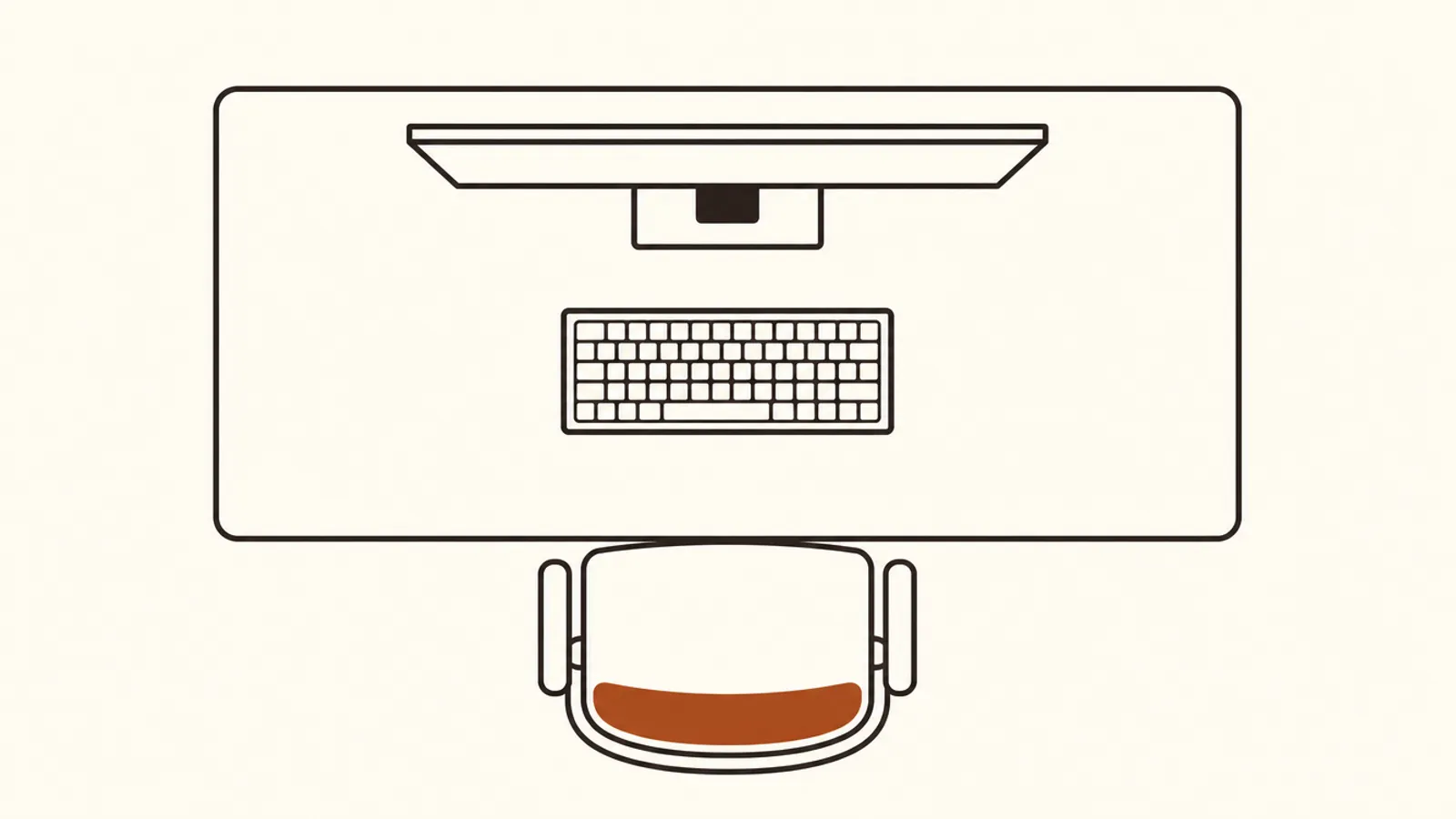
I built a desktop during the pandemic, partly because parts were impossible to find and I wanted the challenge.
It taught me that most gear advice for web design and marketing work is focused on the wrong components. Here is the honest ordering.
1. The Monitor, by a Wide Margin
This is the single largest quality of life difference and it is not close.
You look at it for eight hours. Resolution and physical size determine how much you can see at once, which determines how often you context switch.
Two 27 inch displays at reasonably high resolution changed my work more than any other purchase. Color accuracy matters if you do visual design and matters much less if you mostly write and manage campaigns.
If you buy one thing, buy the display.
2. The Chair
Boring and correct. You are sitting in it all day and back pain costs you more productive hours than a slow computer.
A used high quality office chair is a better purchase than a new mid-range one. The good ones last twenty years and appear on the secondhand market constantly.
3. Memory, Not Processor
For web work the bottleneck is almost never CPU. It is having forty browser tabs, a design tool, a local development server, and video calls open at once.
Memory is what lets that happen without swapping. It is also usually the cheapest upgrade available.
I have watched people buy a faster processor to fix a problem that was entirely memory pressure.
4. Input Devices
A keyboard you like and a mouse that fits your hand. The specifics matter less than people argue online.
The genuine consideration is ergonomics if you have any wrist issues, and that is worth real money to address early.
What I Wasted Money On
The graphics card. For web design and marketing work it does almost nothing. I bought for a use case I imagined rather than the work I actually do.
If you do 3D or video rendering, different answer. For CSS and campaign management it is idle.
Storage speed beyond a decent SSD. The difference between a fast SSD and a very fast one is imperceptible in this kind of work.
RGB lighting. Obviously.
Desktop vs Laptop
I used to build desktops. I now work almost entirely on a laptop connected to external displays.
The reason is simple. The work follows me, and maintaining two machines in sync costs more time than the performance advantage saves. Modern laptops are fast enough that the tradeoff disappeared.
If you never work anywhere but one desk, a desktop is still better value per dollar. That describes fewer people than it used to.
The Thing That Actually Improved My Work
None of the hardware.
Getting a second display made a real difference. Everything after that was diminishing returns and I kept buying anyway, because buying gear feels like improving at your job.
The actual improvements came from better habits, which I got into in sustainable hustle for marketers. Protecting focused time did more for my output than any component.
What I Would Buy Today
A laptop with plenty of memory, two good external displays, a used premium chair, and a keyboard you enjoy typing on.
That covers everything that affects the work. Spend the remaining budget on something that compounds, like a course or a conference where you meet people.
For the writing-heavy side of this specifically, my take on laptops for writers goes deeper on that use case.
For component research, Puget Systems publishes workload-specific benchmarks that are far more useful than general reviews because they test actual applications.
What Is the Best Order to Upgrade a Work Setup?
Display first, chair second, memory third, input devices fourth. That ordering holds for almost anybody doing web, design, or marketing work, and it is close to the opposite of how most people spend.
The display is first because you look at it for the entire working day and because screen area directly reduces context switching. Going from one screen to two changes how you work. Going from a fast processor to a faster one does not.
The chair is second for the obvious reason that back pain costs more productive hours than any hardware bottleneck. Buying a used premium chair rather than a new mid-range one is the best value purchase in this entire category.
Memory is third because the actual constraint in this work is having many applications and browser tabs open simultaneously, not raw computation. It is also usually the cheapest upgrade available on an existing machine.
What I would put last or skip: graphics cards for non-3D work, storage faster than a reasonable SSD, and anything that improves a benchmark you do not run. I spent money on all three and could not tell you what changed.
The honest caveat on the whole subject: none of it made me better at the work. Buying equipment feels like professional development and it is not. Once you have two decent screens and a chair that does not hurt, the returns fall off a cliff.
The thing I would tell anybody setting up now: buy the display and the chair properly, buy everything else adequately, and stop. Upgrading equipment feels like investing in your craft and it is one of the most reliable forms of professional procrastination available. What actually improved my output was protecting the hours when my judgment was sharp, which I wrote about in sustainable hustle for marketers.
What was your worst gear purchase? Mine has a fan on it and does nothing.
More Notes
 Web Design
Immersive Web Experiences: When They Help and When They Hurt
Real time 3D in the browser got genuinely good. That does not mean your website should use it. Here is the honest split between immersive web experiences that convert and ones that just cost you loading time.
 Web Design
The Best Laptops for Writers: 4 Things That Actually Matter
Laptop reviews for writers obsess over benchmarks that do not affect writing at all. After years of writing professionally on a lot of machines, here are the four things that genuinely matter.
 Web Design
Web Infrastructure for Marketers: 5 Things Worth Understanding
Marketers treat DNS, hosting, and CDNs as somebody else's problem until the day the site goes down mid-campaign. Here are the five pieces worth understanding, explained without the engineering.
 Web Design
How to Scan WordPress for Vulnerabilities: 4 Tools That Work
Most WordPress sites get hacked through a plugin nobody updated. Here are four ways to scan WordPress for vulnerabilities, from a free URL check to a real audit.