Immersive Web Experiences: When They Help and When They Hurt
Real time 3D in the browser got genuinely good. That does not mean your website should use it. Here is the honest split between immersive web experiences that convert and ones that just cost you loading time.

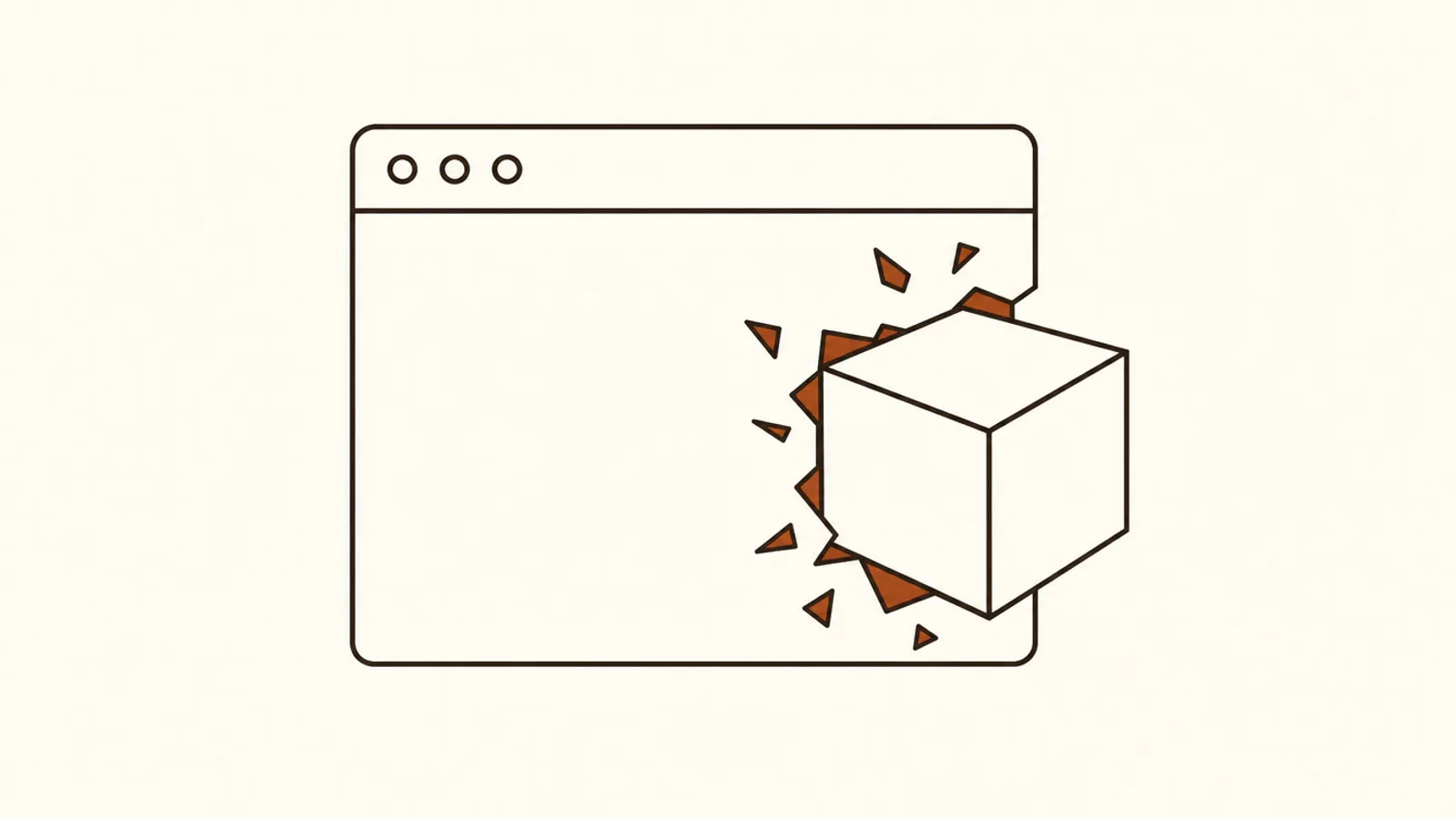
Real time 3D in a browser got genuinely good. Game engines export to the web, WebGL is everywhere, and you can put an interactive 3D product on a page without an app.
Most sites that do this would convert better without it. Here is the honest split.
When Immersive Helps
The product has geometry the customer needs to understand. Furniture, equipment, vehicles, architecture, anything where a flat photo genuinely fails to communicate the thing.
A 360 view of a machine that shows the service access panel answers a real buyer question. That is worth the loading cost.
Configuration is part of the purchase. If the customer chooses materials, colors, or components, showing the result live reduces uncertainty and returns.
This is the strongest commercial case and it is measurable. Configurators that work pay for themselves.
The experience is the product. Games, education, design tools. Obviously.
When It Hurts
As a homepage introduction. A 3D scene on your home page costs seconds of load time and communicates nothing about what you sell.
Every one of these I have measured underperformed the boring version. The visitor is deciding whether you can solve their problem, and a rotating abstract shape does not help.
Scroll-driven animation on a content page. Heavy, often broken on mobile, and it actively interferes with reading.
Anywhere performance already matters. Core Web Vitals are a ranking input, and 3D assets are the heaviest thing you can put on a page. A site that already struggles on mobile cannot afford this.
The Cost People Underestimate
The build is not the expensive part anymore. Tooling got good.
The expensive parts are the 3D assets, which need to be accurate and optimized, and the ongoing maintenance. A configurator has to stay current with your actual product line, and that is a permanent obligation.
I have seen more of these abandoned than maintained. An out of date configurator showing discontinued options is worse than no configurator.
The Practical Test
Ask whether a customer has a question that geometry answers.
"How big is this actually?" "Does it fit in my space?" "What does the blue one look like?" These are geometry questions and immersive content answers them well.
"Is this company credible?" "What does it cost?" "How do I start?" These are not, and no amount of 3D helps.
Most B2B and service businesses only have questions of the second kind. Which is why almost none of them should build this.
How to Do It Without Wrecking Performance
Load it on interaction, not on page load. A static image with a "view in 3D" button gets you the capability without the cost for the 90% of visitors who will not use it.
Serve compressed, optimized models. Untouched export files from a CAD program are usually enormous and nobody checks.
Provide a non-3D path for everything. Some visitors will be on hardware that cannot run it and they should still be able to buy.
Where I Would Actually Spend the Money
For most businesses, on the parts of the site that are broken in ordinary ways. Page speed, clear pricing, a working intake form, mobile layout.
Those produce more revenue than any immersive element and they are less fun to build, which is part of why the immersive version keeps getting proposed.
I laid out the ordering in the digital marketing hierarchy of needs. Immersive content sits near the top and most sites have not finished the bottom.
For the technical side, the WebGL and WebGPU documentation on MDN is the right starting point if you decide it is warranted.
Will 3D Content Slow Down Your Website?
Yes, unless you load it on interaction rather than on page load. 3D assets are the heaviest thing you can put on a web page, and loading one automatically is the difference between a fast site and a site that fails Core Web Vitals on mobile.
The pattern that works: show a static image with a clear button to launch the interactive version. Most visitors never click it, and they get a fast page. The ones who do click have already signalled interest and will wait two seconds.
The second requirement is compressing the models properly. Files exported straight from CAD or a modelling tool are routinely enormous, and nobody checks because it looks fine on a fast office connection. Optimized formats designed for the web cut file sizes by a large factor with no visible quality loss.
The third is a fallback. Some visitors are on hardware or browsers that cannot render it, and they still need to be able to see the product and buy it. An experience that degrades to a photo gallery is fine. One that degrades to a blank box is a lost sale.
The honest test before building any of this: is there a question about your product that geometry answers? If customers ask how big it is or what it looks like in a room, 3D earns its weight. If they ask what it costs and how to start, it does not.
Where I would actually spend the money for most businesses: page speed, clear pricing, a working intake form, and a mobile layout that does not break. Those produce more revenue than any interactive element, and they are less enjoyable to build, which is part of why the immersive version keeps getting proposed first.
The honest test before any of this: does a customer have a question that geometry answers? How big is it, will it fit, what does the blue one look like. Those are geometry questions. Whether you are credible and what it costs are not, and no amount of 3D helps with those. Landing page conversion tips covers what actually does.
Has an interactive element on your site ever measurably improved conversion? The configurator examples are the only ones where I have seen real numbers.
More Notes
 Web Design
Web Design Gear: What Actually Matters and What Does Not
I built a desktop at the height of the pandemic and learned that most web design gear advice is about the wrong things. Here is what actually affects the work, in order, and where I wasted money.
 Web Design
The 4 Types of Augmented Reality and What Each Is Good For
Augmented reality gets discussed as one thing. There are four distinct types with very different costs and use cases, and picking the wrong one is the most common reason AR projects fail.
 Web Design
The Best Laptops for Writers: 4 Things That Actually Matter
Laptop reviews for writers obsess over benchmarks that do not affect writing at all. After years of writing professionally on a lot of machines, here are the four things that genuinely matter.
 Web Design
Web Infrastructure for Marketers: 5 Things Worth Understanding
Marketers treat DNS, hosting, and CDNs as somebody else's problem until the day the site goes down mid-campaign. Here are the five pieces worth understanding, explained without the engineering.