Vibe Coding a Headless WordPress Migration: From Vite SPA to Next.js + Vercel + SiteGround
How GLM 5.2 and opencode handled a security pass and a three-domain headless WordPress migration plan for Draftly.blog in a single AI session.
 One opencode session. One audit. One migration plan. The vibe-coding setup did work I'd usually pay a small team for.
I opened opencode this morning to fix one small thing on Draftly.blog.
Three hours later I had a security pass done and a full headless WordPress migration plan written. The plan moves Draftly off a Vite SPA and a separate WordPress marketing site and onto a clean headless setup on Vercel and SiteGround.
That escalated fast. Here's what happened.
The Audit That Started It All
I pointed GLM 5.2 at the Draftly codebase and asked for a security review. I expected a few notes.
I got back a real audit. A long list, with a handful at the top that needed fixing that day.
The worst offenders were credentials that had no business being in the repo. I rotated every one and scrubbed the offending files before this post went up. The rest was the usual shape of a SaaS that grew fast, a normal pile of hardening tasks any reviewer would expect.
The audit ranked it all in order. Credentials first, then the hardening work behind them. I cleared the top of the list in the same session and queued the rest.
Then I rotated the affected keys with each provider and confirmed the build was still clean.
Here's my advice. If you've never had a model run a real security pass on something you've been shipping, do it this week. The exercise alone is worth the subscription.
From "Marketing Site Plus App" to a Clean Three-Domain Split
After the audit I turned the session to an architecture question I've been circling for a while.
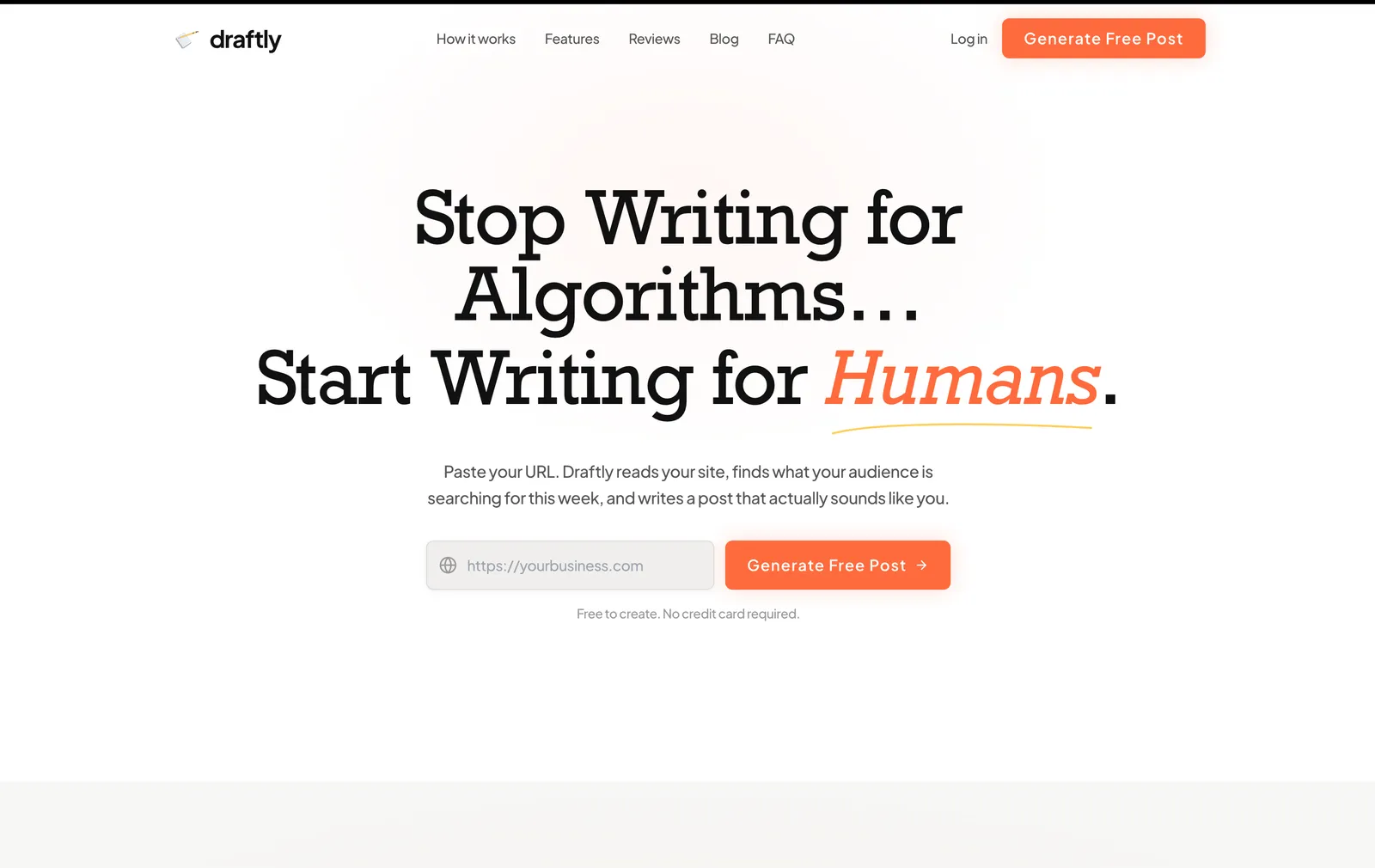
Draftly lives in two disconnected pieces right now. One is a WordPress marketing site on draftly.blog, hosted on SiteGround, where I publish SEO content. The other is the actual app, a Vite and React SPA on a Bolt subdomain that pushes posts to WordPress, Ghost, Shopify, Webflow, and a few other targets.
Same brand, nothing else shared. Different domain. Different stack. Different headspace for whoever lands on it.
I want one home. draftly.blog as the front door, the app at app.draftly.blog, and WordPress doing the one job it's actually good at: feeding content to a fast, statically rendered frontend.
GLM 5.2 laid out the target cleanly. Three domains, three jobs:
- draftly.blog is a new Next.js marketing site on Vercel. Pages build as static HTML and revalidate on a schedule. It pulls all the content (homepage, features, pricing, blog posts, ACF fields) from WordPress over REST or WPGraphQL.
- A private WordPress instance is the headless CMS. Editors work there and it serves the content API. It's locked down and never shows a public page. The frontend just queries it at build time.
- app.draftly.blog is the existing Vite SPA on Vercel. Same code I already ship. Logged-out visitors hit a minimal login screen with a link back to draftly.blog.
That's the picture. The honest part is that getting there is a real migration with real steps. The WordPress site URL has to move. DNS and hosting need to point the right domains at the right places. A couple of hardcoded fallback URLs in the app have to follow. The in-app landing page gets deleted.
GLM 5.2 wrote the whole runbook in one context window. Track A (ship the app to Vercel) is in this repo. Track B (build the Next.js marketing site) is a new repo. Track C is DNS and external config. Now I have a checklist I can hand off or knock out myself over a couple evenings.
Why Headless WordPress And Not Just the SPA
This is the SEO call underneath everything else, so it's worth slowing down on.
The Draftly app is a client-rendered Vite SPA. Great for an app. Rough for marketing pages. Google can crawl JavaScript, but it's slower, eats crawl budget, and indexes worse than HTML that's already sitting there when the bot shows up. I tell clients this in every SEO audit I run. Shipping it wrong on my own product would be embarrassing.
So the frontend pre-renders. Next.js builds the marketing pages as static HTML, pulls the content from WordPress at build time, and serves plain HTML. Incremental Static Regeneration covers the case where an editor updates a post and I don't want to wait for the next deploy. When Google crawls draftly.blog it gets fully rendered HTML with clean metadata, JSON-LD, Open Graph tags, and a sitemap.
WordPress stays because the writing experience is good and I'm not rebuilding that. Headless keeps the WP admin, ACF Pro for structured fields, and Yoast for SEO data. It just changes where the pages get served. Editors won't feel a thing. Search engines will feel a lot.
There's a branding payoff too. Share the app today and you're sharing a Bolt subdomain. After the move you share a clean subdomain on the root domain. Marketing, app, docs, all under one roof. That compounds for users and for search.
The Vibe-Coding Setup That Made It Doable
The setup matters as much as the model here. I dig into this in my GLM 5.2 review, but it's worth repeating, because audit-plus-migration in one sitting is exactly what the setup is for.
I run GLM 5.2 inside opencode. Opencode is the harness, a Claude Code-shaped tool loop with the same context handling, the same MCP-style tool calls, the same feel. The GLM coding subscription ships with MCP servers that are genuinely good. File search, structured edits, the connectors I'd reach for in Claude.
The 1 million token context window is what made the session work. The audit read the whole codebase, maybe 25K tokens. The architecture plan had to hold the current WordPress setup, the app code, the backend functions, and three target designs at once, easily another 80K. Then the first round of fixes meant reading and editing real files, another 30K. None of that fits in a 200K window without constant chunking, and chunking is how you lose the thread.
So the real unlock is all three together. The harness, the MCPs, and the window let one session span audit, plan, and execution without the model forgetting the goal. That's the part that feels like vibe coding, and no single piece gives it to you.
What Got Done And What's Still Ahead
Straight on scope. This session produced:
- A full security audit, ranked, with a remediation order.
- The top-priority fixes landed in code and at the provider side.
- A three-domain architecture plan covering hosting, DNS, backend config, Vercel setup, and the file-by-file code changes.
- The work split into Track A (this repo), Track B (new marketing repo), and Track C (DNS and external services).
What it didn't produce is a live migration. The domains still point where they did this morning. The Next.js marketing site is a plan with no repo yet. The Vite app isn't on Vercel yet. Those are the next sessions.
That's the honest read on vibe-coded planning. The model compresses weeks of figuring-it-out into one afternoon. The deploys are still on me, though. I have to wire up the Vercel project, move the DNS, and update the backend config. The runbook is a markdown file I'll work through.
The Takeaway for Other Vibe Coders
The harness, the model, and the context window do their best work as a unit. None of them alone gets this done in a sitting.
Picture the trade-offs. A bigger model on a small context rebuilds its memory every few messages. A huge context on a weak model writes a confident audit that misses the real bugs. A great model and a great context on a clunky harness has you fighting the tool loop all day. The version worth running is the one where all three are roughly even and built for each other.
One more thing from the audit. If you're building a SaaS, book a real adversarial security review the next time you're between features. Let the model hunt for hardcoded keys, open endpoints, and exposed env vars. The odds nothing's wrong are basically zero, and finding out the cheap way costs one session.
Building something like this on your own product? Or vibe-coded something cool and want a second set of eyes? Ping me on LinkedIn. I'm running these sessions almost daily right now.
More notes
How to Turn Off Distraction Free Mode in WordPress: 2 Simple Ways
Your WordPress toolbars vanished and you cannot get them back. That is Distraction Free mode. Here are the two ways to switch it off in about three seconds.
Web DesignHow to Edit the Header HTML in WordPress: 3 Practical Methods
Where the header HTML actually lives in WordPress depends on whether you run a block theme or a classic theme. Here are three safe ways to edit it.
Web DesignHow to Add a Navigation Bar in WordPress: A Practical Guide
Adding a navigation bar in WordPress works one way on block themes and a completely different way on classic themes. Here is both, plus what to put in it.
Web DesignHow to Scan WordPress for Vulnerabilities: 4 Tools That Work
Most WordPress sites get hacked through a plugin nobody updated. Here are four ways to scan WordPress for vulnerabilities, from a free URL check to a real audit.